
AI Background Remover - Remove Background from Images Instantly
Remove Background with AI background remover. Instantly get transparent backgrounds for any picture, turning complex edits into simple tasks.
Upload image
Upload an image to remove its background.
or drag & drop an image here, or paste from clipboard
Accept JPEG, PNG, WEBP, HEIC or HEIF formats
Background Removed Result
Your background-removed result will appear here
Why Choose Our AI Background Remover
Make your pictures stand out by instantly removing unwanted backgrounds with AI background remover. Whether it’s a product shot, a portrait, or a complex scene, our AI accurately detects and removes backgrounds, giving you a clean, transparent image ready for any use.
Precise Object Detection
Our AI background remover intelligently identifies the main subject in your image, no matter how complex the edges. From hair to product details, it ensures a clean and accurate background removal every time. This precision makes our background removal tool highly effective for professional results.


Instant Background Removal
Forget manual selections and tedious editing. Our AI background remover processes your images in seconds, providing an instant transparent background. Upload your image and watch as the background magically disappears, giving you quick and efficient background removal.
High-Quality Output
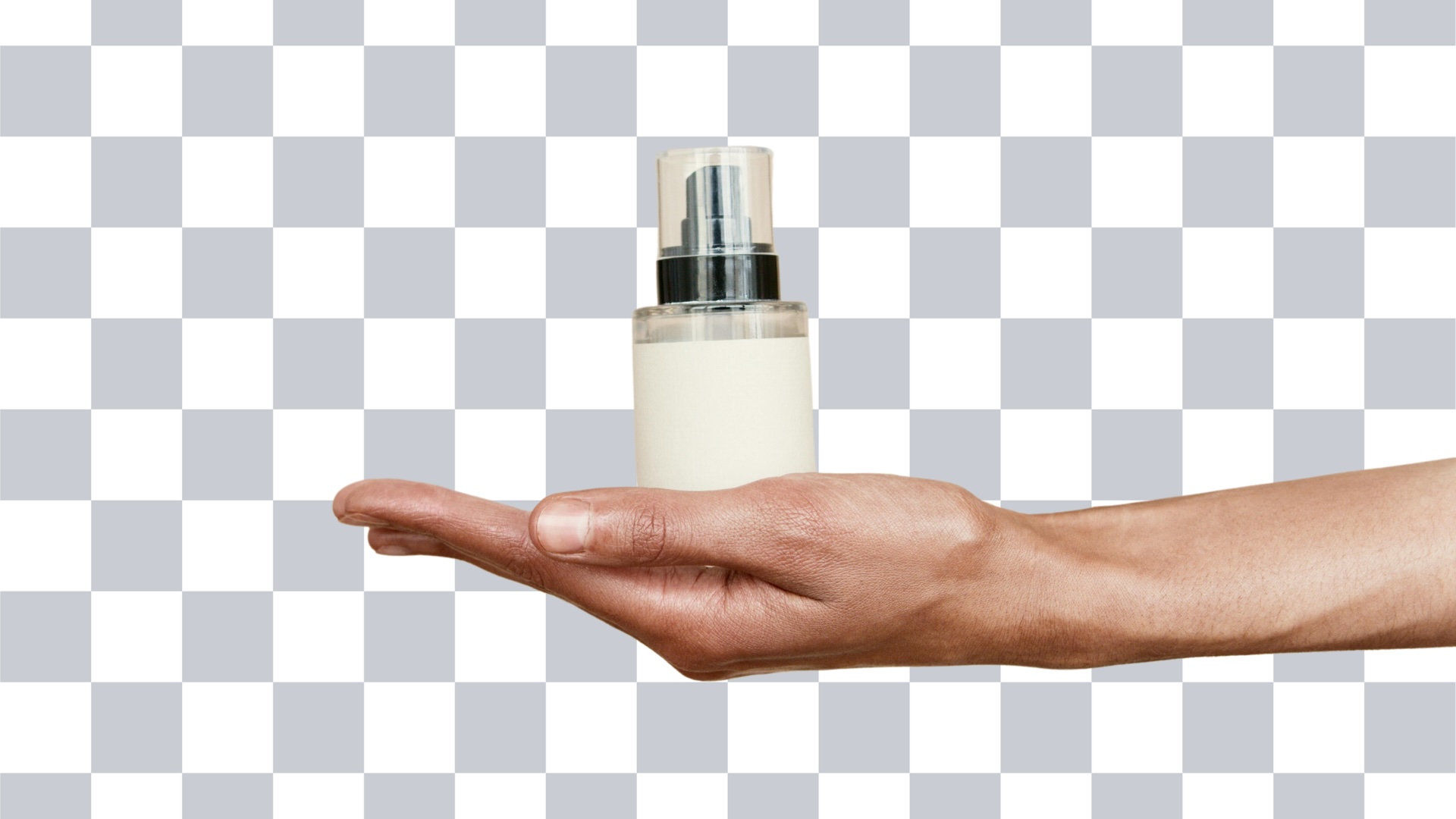
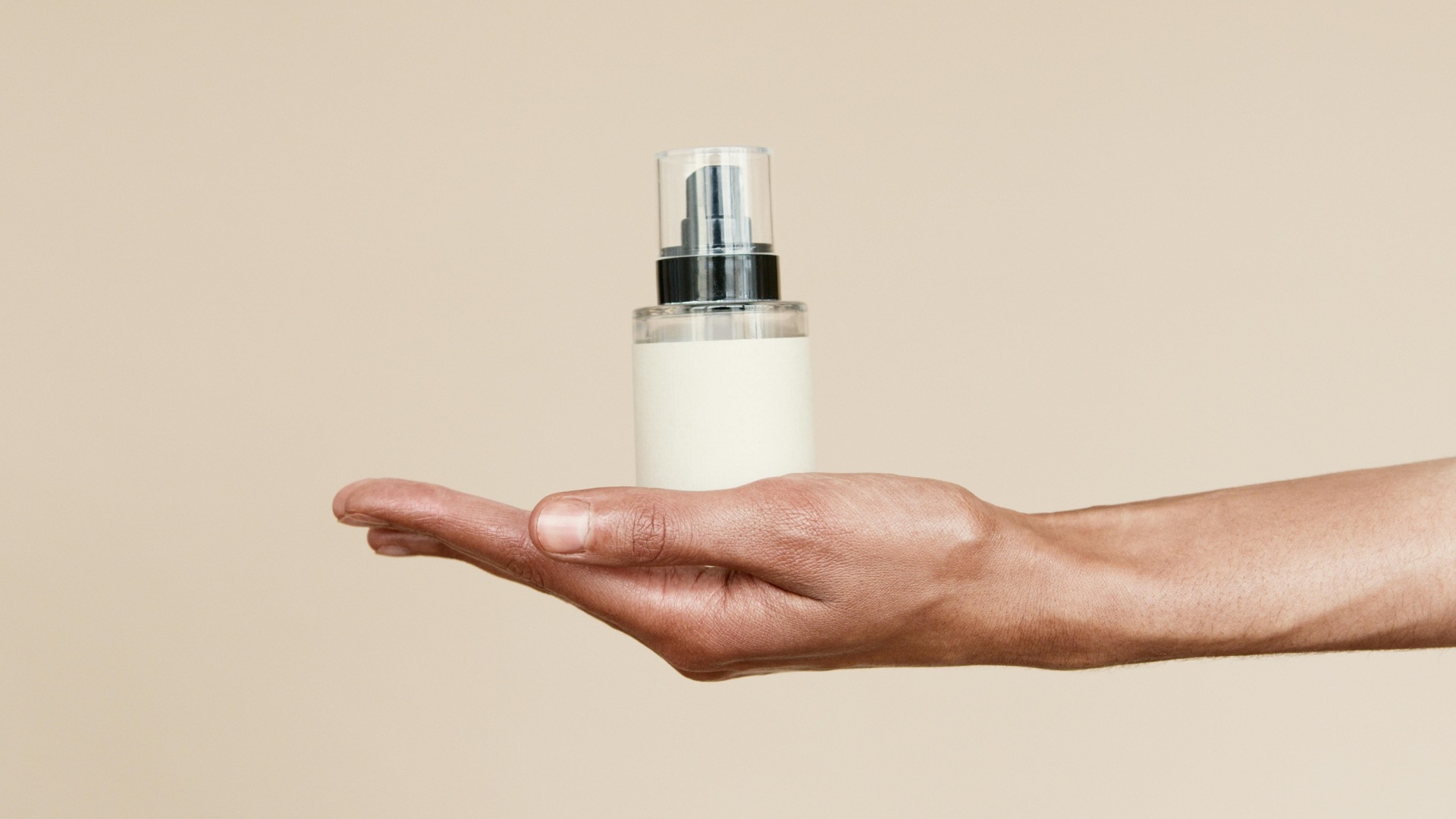
Receive professional images with clean edges after background removal. Our AI background remover maintains the original quality of your foreground subject, ensuring your edited photos look smooth. The resulting transparent background images are perfect for e-commerce, graphic design, and social media, ensuring high-quality background removal every time.
How to Use Our AI Background Remover
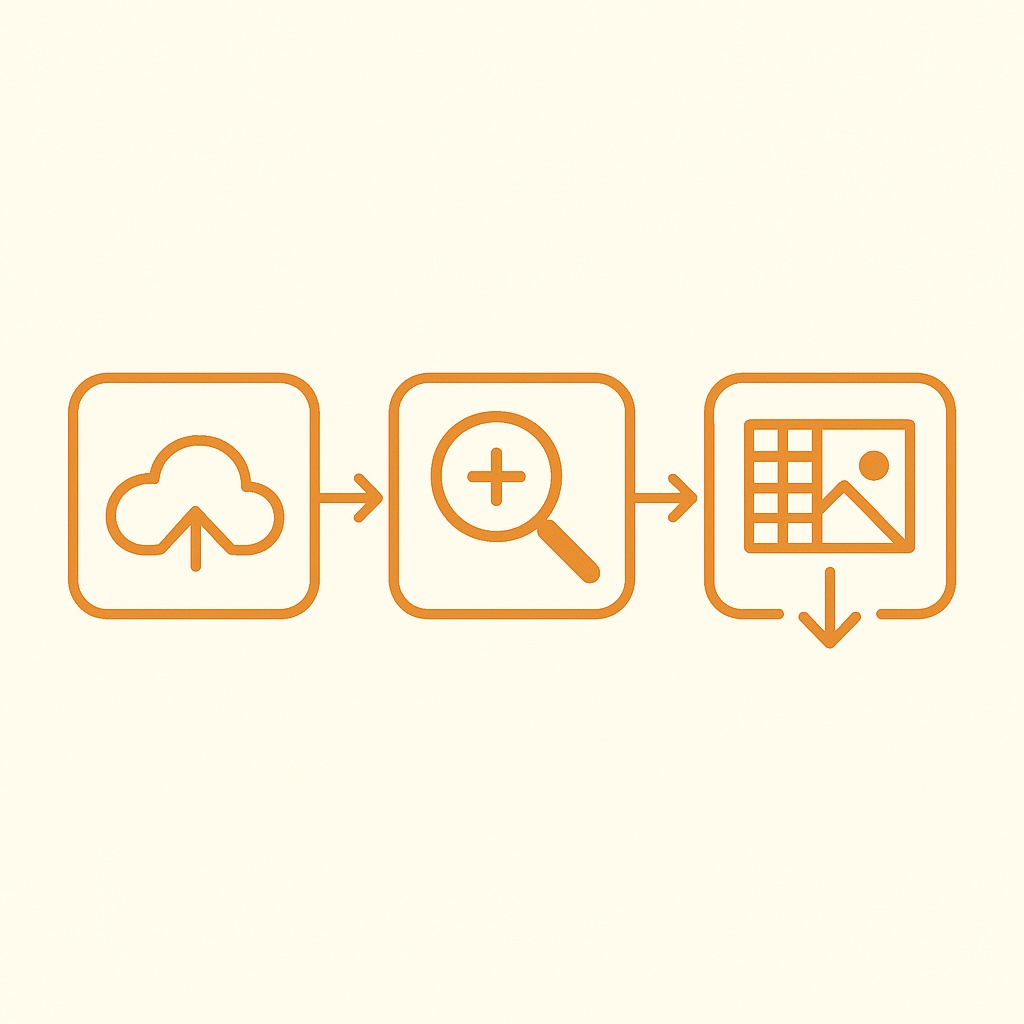
Remove background from your images in 3 simple steps:
Upload Your Image
Select any photo you want to remove background. Our AI background remover supports various formats.
Automatic Background Removal
Our AI background remover will automatically detect the subject and precisely remove the background in seconds. No manual selection needed for perfect background removal.
Download Your Transparent Image
Preview your image with the transparent background and download the high-quality result.
Advanced AI Background Remover Features
Get clean and accurate background removal with powerful AI technology, making your photos look sharp and professional.
Instant Background Removal
AI background remover processes images in seconds using advanced machine learning algorithms. No manual editing required - just upload your image.
Perfect for E-commerce
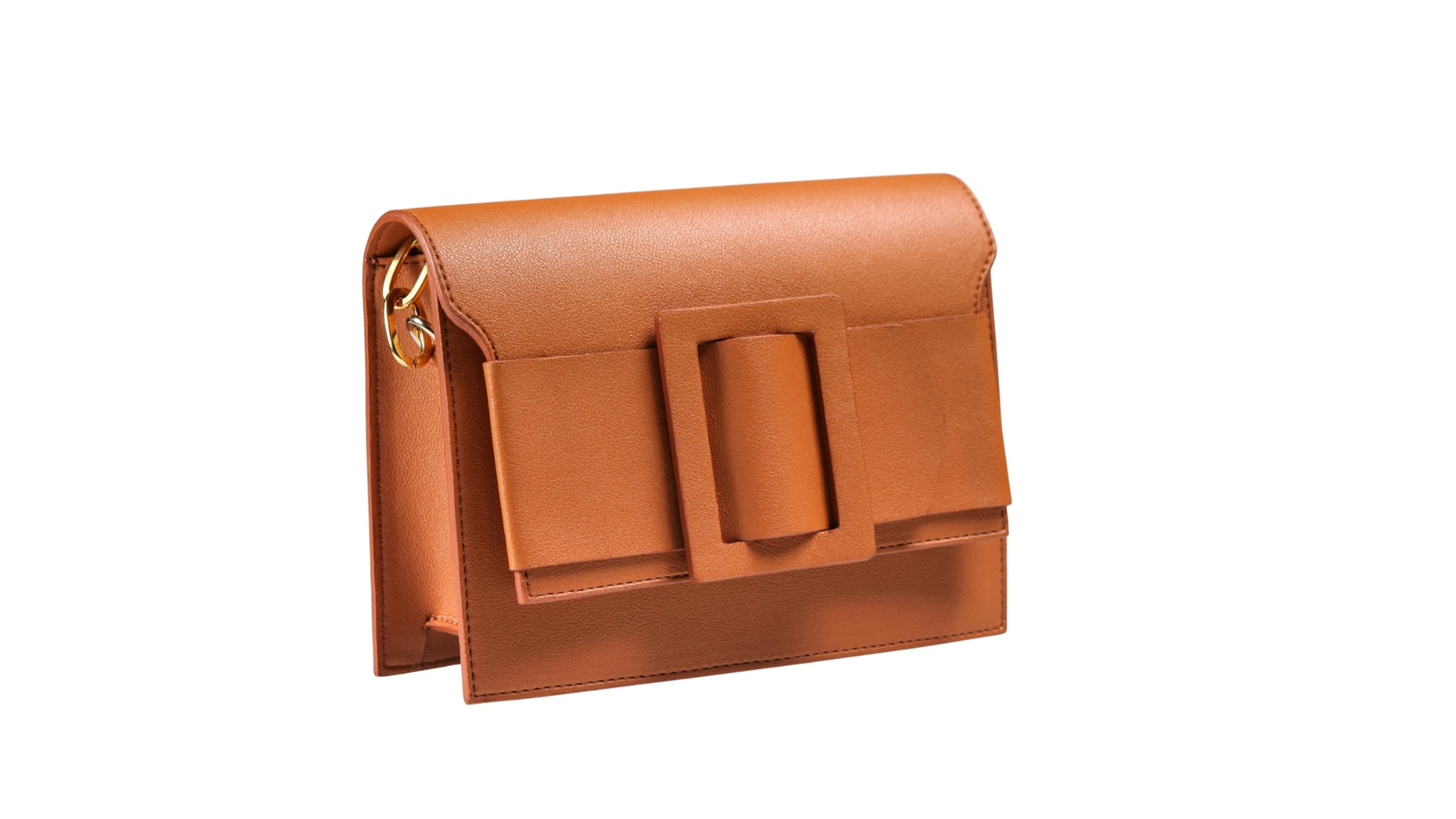
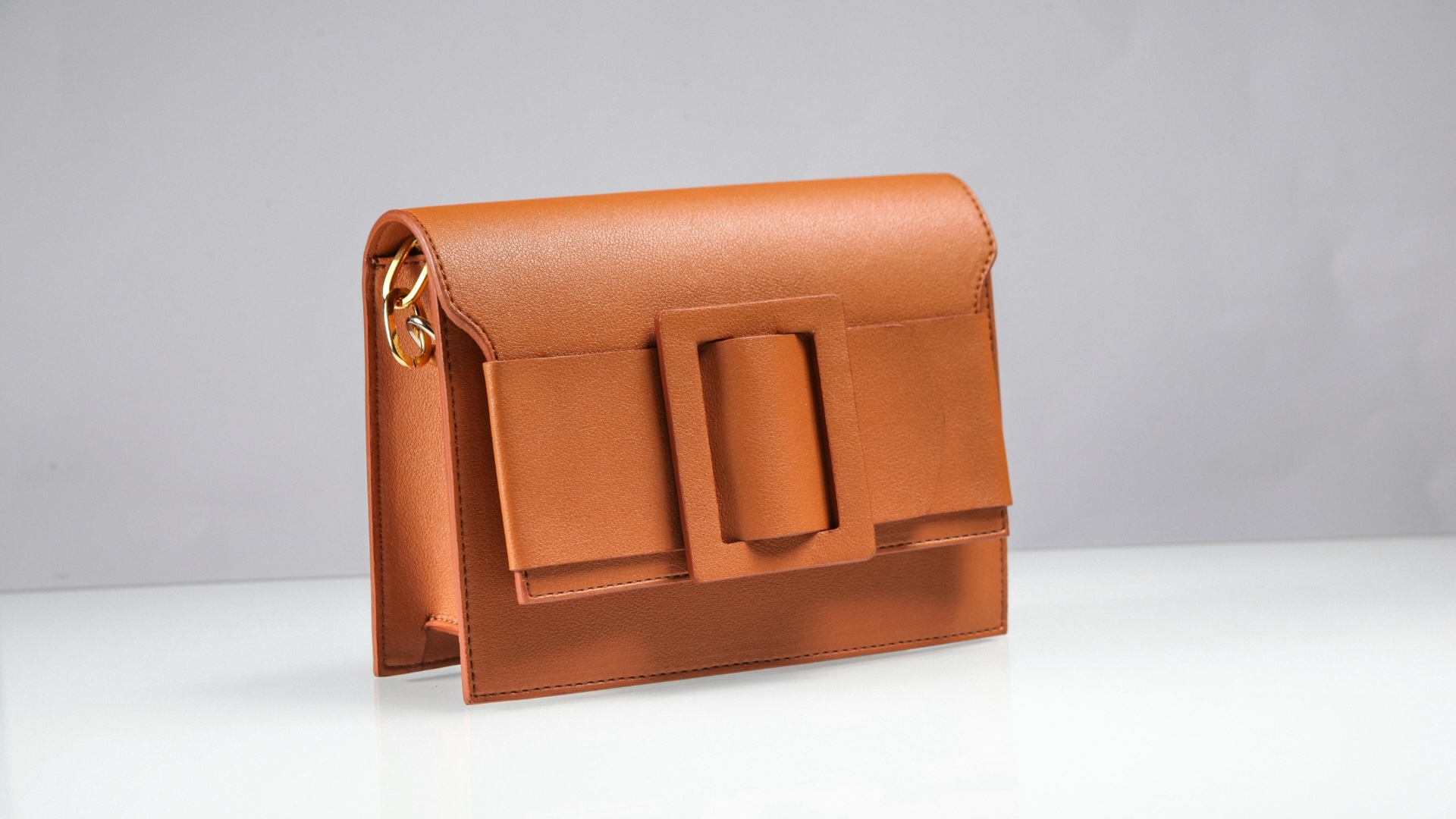
Create professional product photos with clean, white backgrounds. AI background remover is perfect for online stores, catalogs, and marketing materials.
Portrait & People
Specialized in removing backgrounds from portraits and people photos. AI background remover handles hair, clothing details, and complex edges with precision.
Multi-Format Support
AI background remover works with JPG, PNG, WEBP, HEIC, and HEIF formats. Export your results as PNG with transparency.
Secure & Private
Your images are processed securely and automatically deleted within 24 hours. AI background remover ensures your photos remain private and protected.
Free to Try
Try AI background remover for free before upgrading. Experience the quality and speed of our background removal technology with no commitment required.
AI Background Remover FAQ
Have questions about our AI background remover? Find answers here or contact our support team.
What is AI background removal?
A background remover is a tool that uses AI to automatically cut out the main subject from an image, leaving you with a transparent background. This process, known as background removal, makes it easy to separate subjects like people or products from their original surroundings, preparing them for new designs or uses.
Do I need editing skills?
No, you don't need any special editing skills to use AI background remover. Our AI handles the entire background removal process automatically. Simply upload your image, and the AI will do the hard work of creating a transparent background for you. It’s designed to be user-friendly for everyone, ensuring easy background removal.
Is AI background remover free to use?
You can try AI background remover for free with a limited number of uses each day. This lets you test the tool without any cost. If you need more background removals or advanced features, you can upgrade to one of our premium plans for greater flexibility and benefits.
Does AI background remover maintain image quality?
AI background remover is designed to maintain the highest possible quality of your foreground subject after background removal. While some minor compression may occur with any online tool, we strive to preserve image integrity. For the best results, always upload high-resolution images. Your main subject will remain crisp and clear.
What types of images work best for background removal?
AI background remover works exceptionally well with images where the foreground subject has clear edges and good contrast against the background. This includes portraits, product photos, objects, and animals. While it can handle complex images, simpler backgrounds often yield the most precise and quickest background removal results.
Can I use it on product images for my online shop?
Definitely! AI background remover is an ideal tool for e-commerce businesses. It allows you to quickly create clean, professional-looking product photos with transparent or white backgrounds, making your items stand out. This is crucial for online shops as it enhances product visibility and can significantly boost sales.
What happens to my uploaded photos?
We prioritize your privacy and data security. Your uploaded photos are processed securely and are then deleted from our servers after 24 hours. We do not store or share your images, ensuring your personal and professional content remains confidential.
Can I replace the background after removing it?
Yes, absolutely! After using AI background remover to make your image transparent, you have the option to replace the removed background with a new color, a different image, or a custom design. This feature gives you creative control to place your subject in any setting you desire, all within our versatile editor.