AI Image Upscaler - Enhance & Upscale Your Images with AI
Transform your images with our AI image upscaler. Increase resolution, enhance details, and improve quality automatically.
Upload image
Upload a image to upscale and enhance.
or drag & drop an image here, or paste from clipboard
Accept JPEG, PNG, WEBP, HEIC or HEIF formats
Upscale Factor
Choose how much to enlarge your image. Higher factors create larger image with more detail.
Upscaled Result
Your upscaled result will appear here
Why Choose AI Image Upscaler
Make your pictures look clear and sharp. Whether it’s an old photo, a low-quality image, or digital art, AI image upscaler enhances details to deliver crisp, high-resolution results.
Enhance Low-Resolution Images
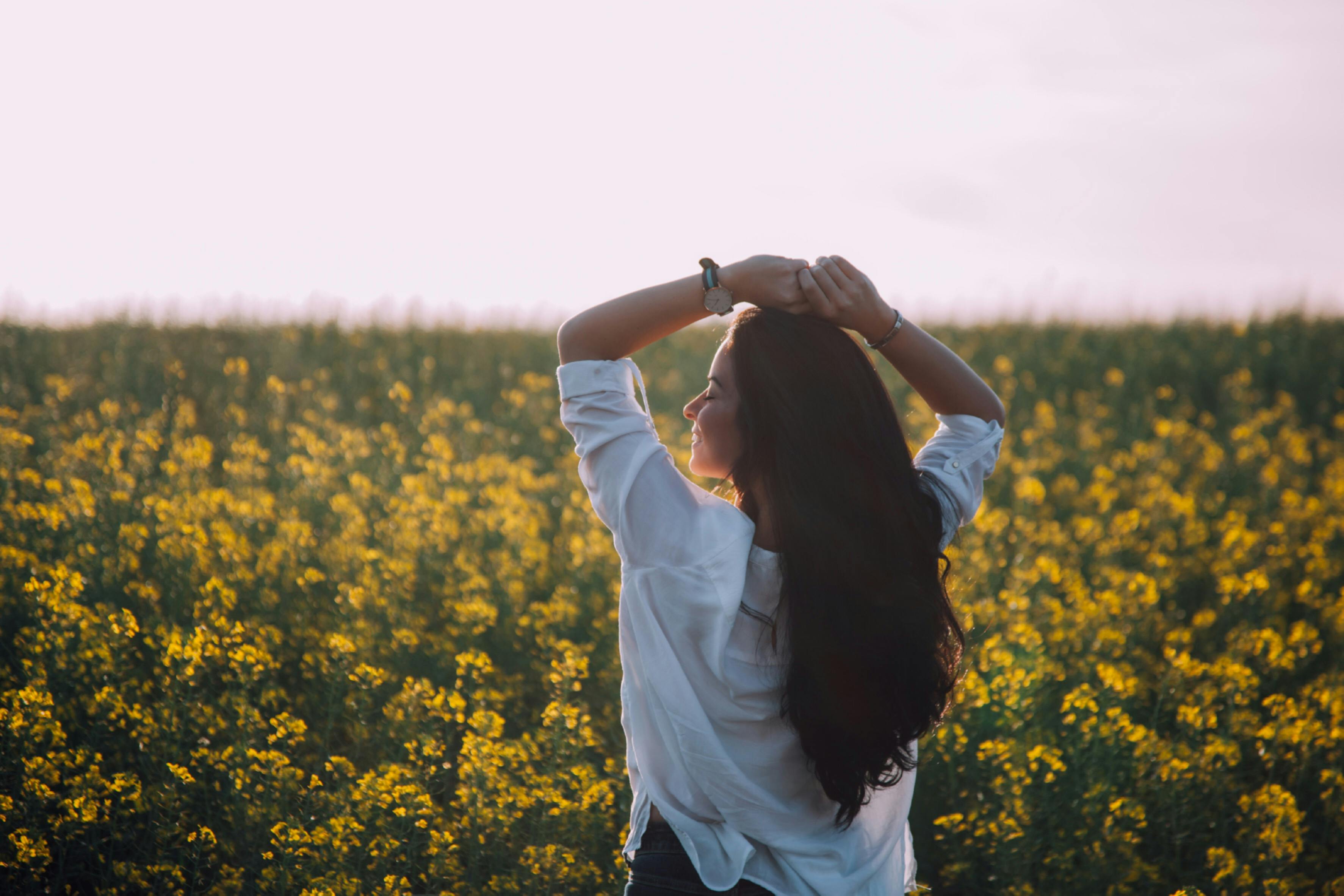
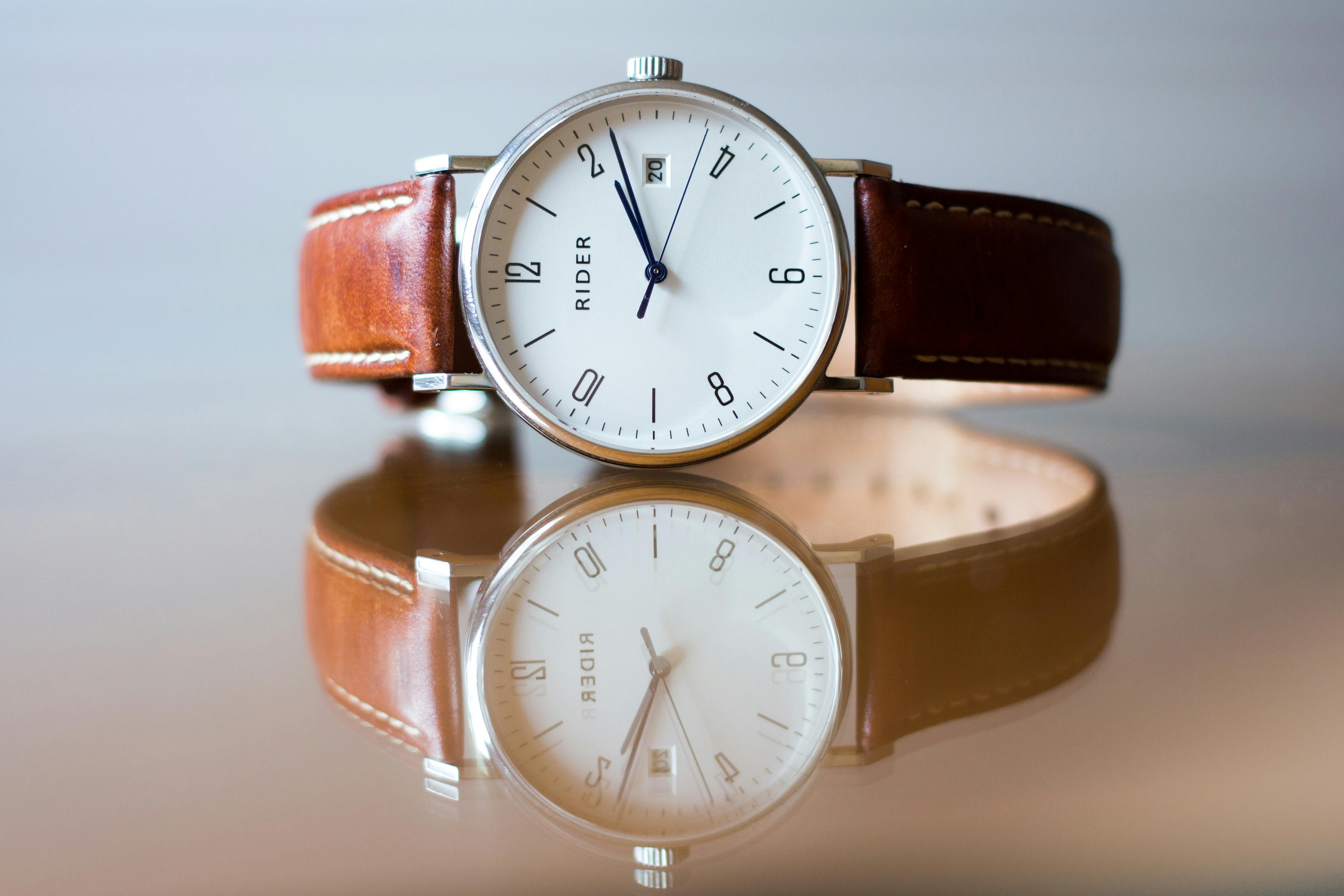
AI image upscaler intelligently analyzes and enhances low-resolution images, adding detail and sharpness while maintaining natural appearance. Perfect for rescuing old photos or improving web images.
Smart Detail Enhancement
AI image upscaler adds back missing details and textures, making blurry images look sharp and clear. Your pictures will look natural and improved, not fake or overdone.
Multiple Upscaling Options
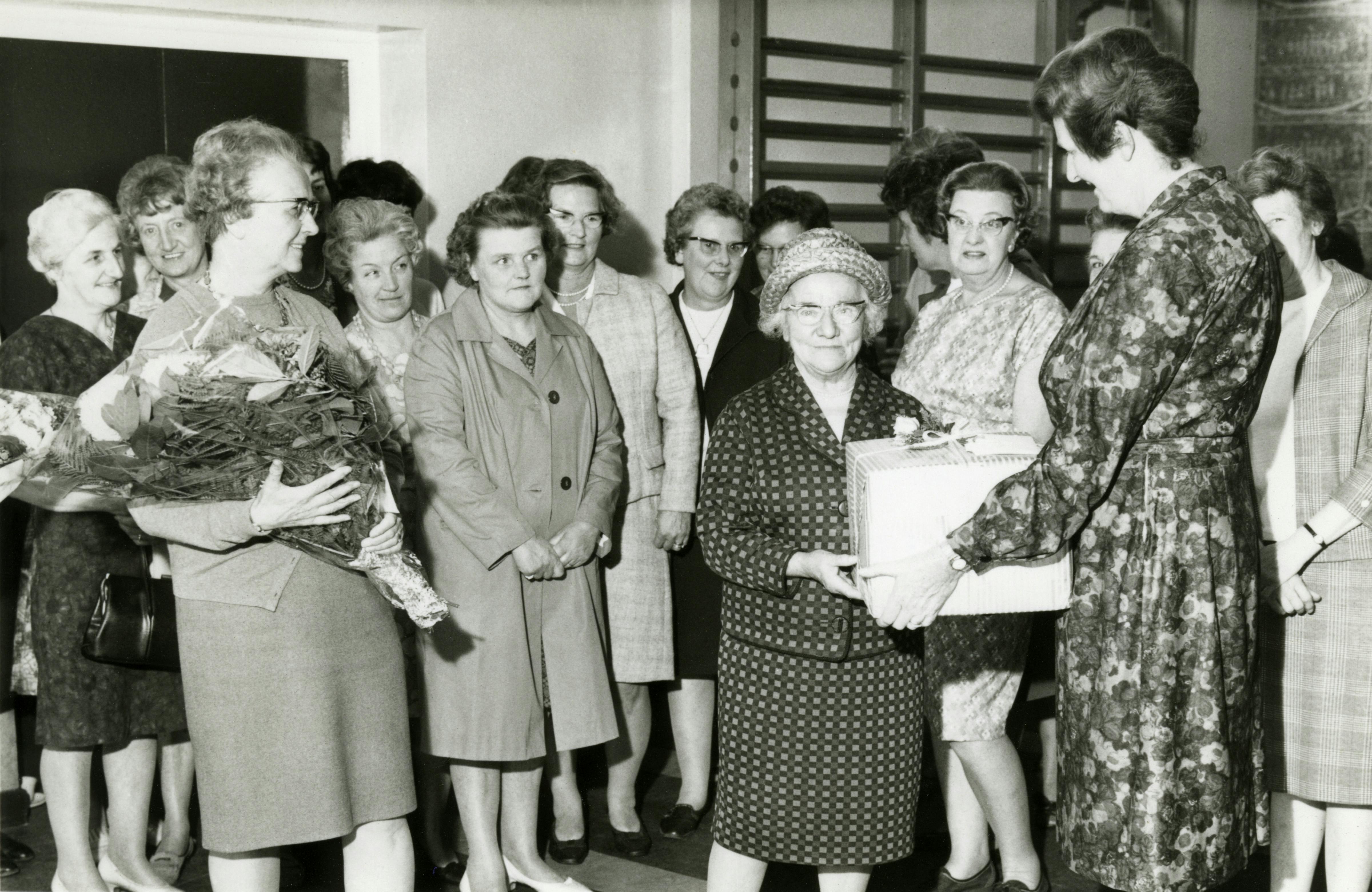
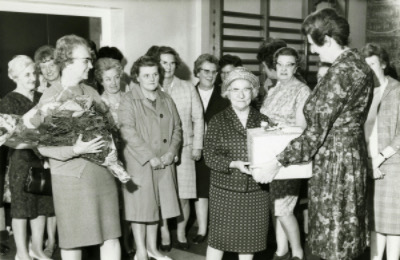
Choose from 2x, 3x, 4x, 5x, 6x, 7x, 8x, 9x, or 10x upscaling to fit your needs. Whether you want a small quality boost or a big size increase, AI image upscaler adjusts automatically to give you the best results at every level.
How to Use AI Image Upscaler
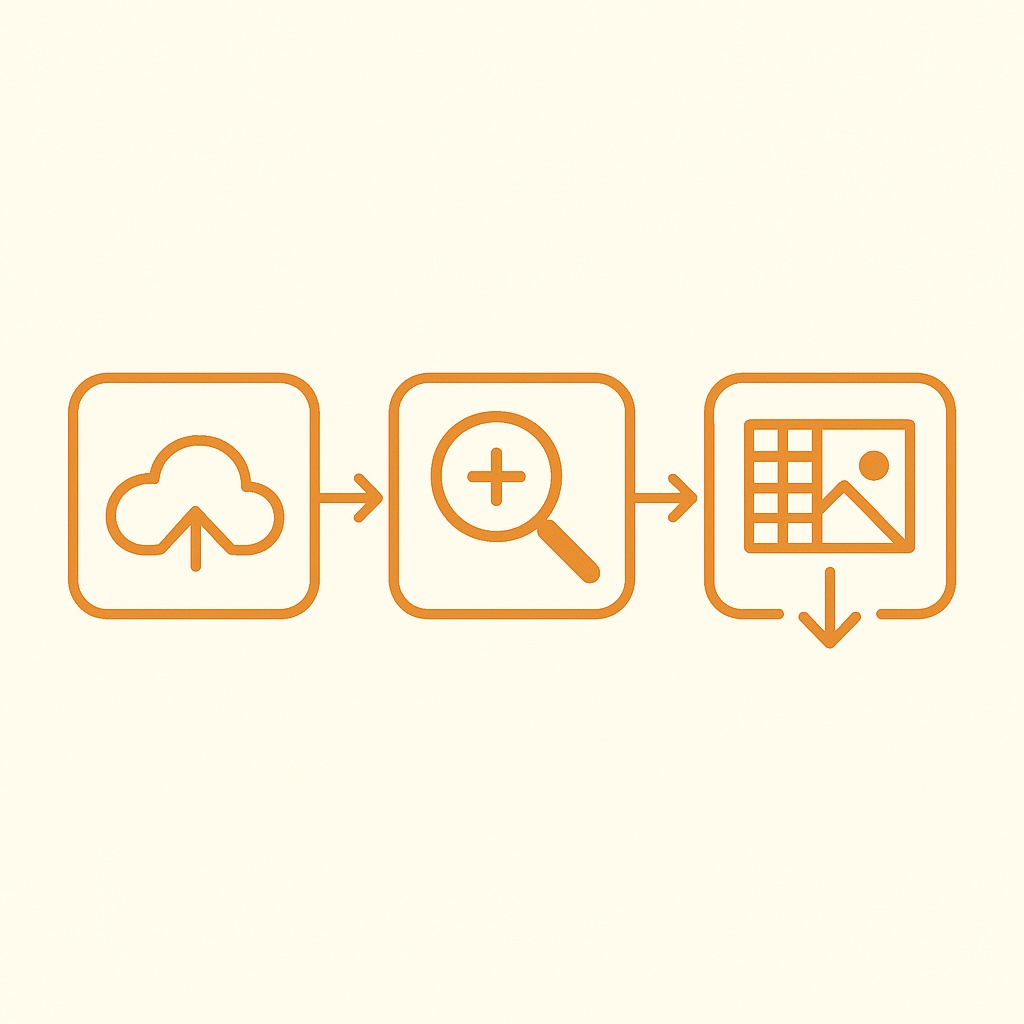
Upscale and enhance your images in 3 simple steps:
Upload Your Image
Select any low-resolution photo you want to upscale. AI image upscaler supports images in JPEG, PNG, WEBP, HEIC or HEIF formats.
Choose Upscaling Level
Choose how much you want to enlarge your image (2x, 3x, 4x, 5x, 6x, 7x, 8x, 9x, or 10x). AI image upscaler will check it and make the best improvement.
Download Enhanced Image
Preview your upscaled image and download the high-quality result. Your improved image is ready to use anywhere.
Advanced AI Image Upscaler Features
Professional-grade image enhancement powered by cutting-edge AI technology.
Fast AI Upscaling
AI image upscaler uses the latest AI technology to make photos clear in just a few seconds. You don't need to wait long or install heavy software. Simply upload your picture, and the system will upscale it instantly, giving you a sharp HD photo in no time.
Sharper & Bigger Images
With AI image upscaler, you can easily make your small or blurry photos bigger and sharper. Choose from 2x, 3x, or even 10x enlargement, and watch the AI rebuild fine details. Your pictures will look natural and clean, ready to be shared, printed, or used online.
Easy to Use
AI image upscaler is designed for everyone, even if you have no editing skills. The steps are simple: upload your photo, select how much you want to upscale, and download the result. In just a few clicks, you can get professional-quality HD photos without any effort.
Multi-Format Support
AI image upscaler works with the most common file types such as JPG, PNG, and WebP. No matter what format your photo is in, the AI can upscale it and give you a high-quality version. You can also save the final image in the format you prefer for easy sharing.
Secure & Private
We value your privacy. All photos processed by AI image upscaler are protected and automatically deleted within 24 hours. Your files will never be stored or shared. You can use the service with full confidence, knowing your images are safe and private.
Free to Try
You can try AI image upscaler for free before deciding on a paid plan. Get high-resolution results without hidden fees. This allows you to see the quality for yourself and understand how the AI image upscaler works, giving you peace of mind before upgrading.
AI Image Upscaler FAQ
Have questions about AI image upscaler? Find answers here or contact our support team.
What is AI Image Upscaler?
AI Image Upscaler uses artificial intelligence to increase image resolution and enhance quality by intelligently reconstructing details and textures that would be lost with traditional resizing methods.
What's the best AI image upscaler?
The best AI image upscaler is one that delivers high-resolution results quickly and naturally. AI Image Upscaler uses advanced AI to enlarge photos, artwork, and graphics without blur or pixelation.
How do I upscale an image into 4K?
You can easily upscale an image into 4K with AI image upscaler. Simply upload your photo, and the AI will enlarge it while adding realistic details, sharp edges, and smooth textures.
Will upscaling affect image quality?
AI Image Upscaler is designed to improve image quality while increasing size. It reduces noise, enhances details, and reconstructs textures for better overall quality than the original.
Can I edit images after upscaling them?
Yes, you can edit images after upscaling them. Once your photo is enlarged, you're free to crop, adjust colors, add text, or apply filters without losing quality.
Is the AI image upscaler free to use?
Yes, AI image upscaler offers 2 free uses per day. For more use, you'll need to purchase credits. We support both subscriptions and one-time payments, and offer different plans to meet various usage needs.
Can I upscale images without losing quality?
Yes. With AI image upscaler, you can enlarge photos while keeping them sharp and natural. The AI removes issues like blur, pixelation, and noise by rebuilding details. Unlike simple resizing tools, our AI image upscaler makes large images smooth and clear, ideal for printing, design, or social media without losing quality.
What images work best with AI Image Upscaler?
AI image upscaler works best with raw photos and AI-generated art from DALL·E, MidJourney, Stable Diffusion, and more. It also excels on anime images, digital illustrations, and product photos with sharp edges and textures, creating stunning 4K results without blur or pixelation.
How does AI image upscaler compare to traditional methods?
Traditional upscaling simply stretches pixels, creating blurry results. AI image upscaler analyzes image content and intelligently reconstructs details, creating sharp, natural-looking results.
Is my image data secure?
Yes, all images are processed securely with encrypted transfers. Uploaded images are automatically deleted from our servers within 24 hours to protect your privacy.